 Slimbook OS
Simple, powerful, and optimized for any computer.
Improving what's already great
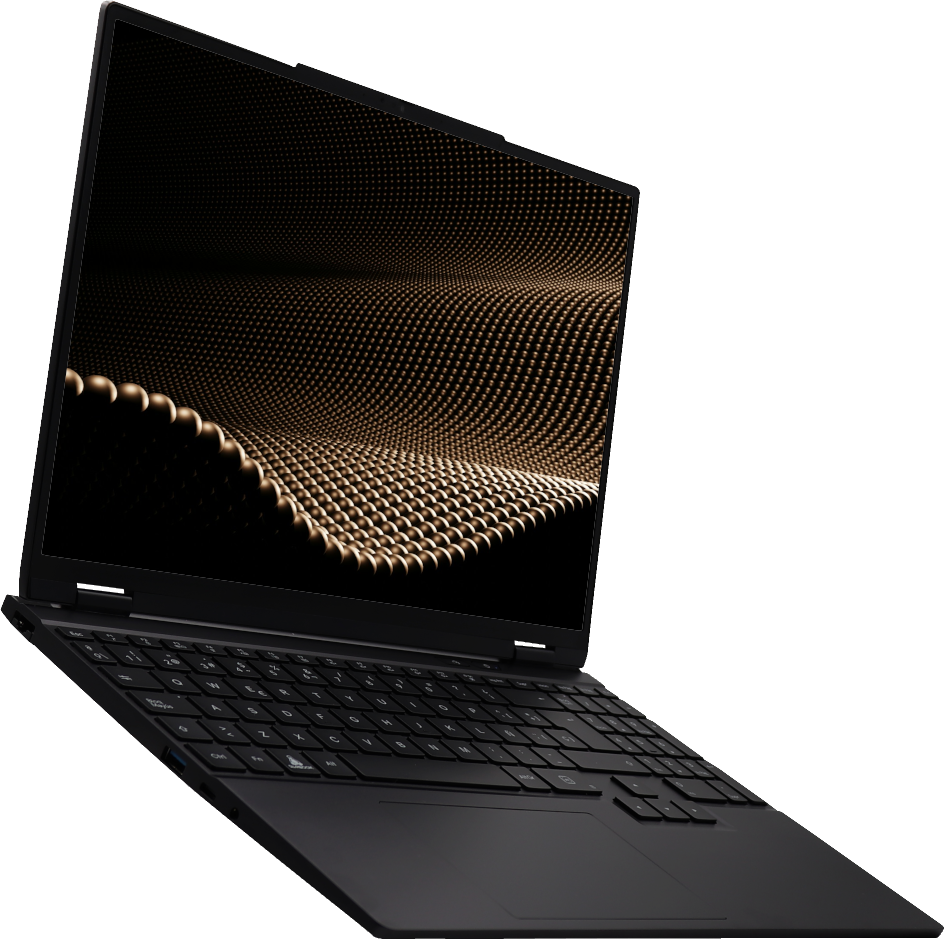
With better repositories and patch control, to enhance your system’s privacy and security.
Elegance and simplicity with GNOME

Gnome 50
Powered by Canonical’s official repositories
Some of the applications and extensions

Software
A fine-tuned software store that prioritizes apps' own repositories, like Firefox debs. However, Flatpak remains optional, with Snap as the last option.
Slimbook Control Panel
Monitor your Slimbook system with Slimbook Control Panel, you can customise it by adding more sensors or removing the ones you wish.

Alpaca
AI chat client, pressing the AI key of your Slimbook laptop will open Alpaca.

Gestures
Touchpad gestures are enabled by default, giving you total control of your laptop in the fastest way possible.

Slimbook Service
Receive notifications from your device. Generate reports to detect errors, or activate some extra functions.
Follow our
tutorial here
.

Tiling
Manage and organize the windows you're working with more efficiently or simultaneously.

Caps Lock
On-screen indicators appear, such as when activating and deactivating Caps Lock.

Day/Night Mode
Your desktop’s appearance matters, so you choose your work environment’s mood. Work, play, or create in either day or dark mode.

More extensions
Discover many more system extensions that will make navigation and interaction easier.