Slimbook OS 26 is now available. The new version of our operating system makes the leap from Slimbook OS 24 to a more up-to-date foundation, built on Ubuntu 26.04 LTS and GNOME 50, with the goal of delivering a more polished, versatile experience that is ready to use from the very first boot.
This is more than just a version update. Slimbook OS 26 stays true to its philosophy: starting from a solid foundation, adding the tools that genuinely improve everyday use, and reducing the time users need to get their system fully configured. For this new release, we recommend performing a clean installation—the best way to start fresh with a well-organized, consistent, and carefully optimized experience.
Why use Slimbook OS?
Ubuntu LTS is a solid, trusted foundation with a vast ecosystem. Slimbook OS builds on that foundation and takes it one step further toward everyday usability: less time configuring your system, more useful tools available from the start, and an experience designed for work, study, creativity, software development, or simply enjoying GNU/Linux comfortably.
The goal is not to change everything, but to improve what already works well. We carefully select the software included, prioritize DEB and Flatpak packages, integrate Slimbook's own tools, and add thoughtful productivity enhancements that make the system feel ready from the very first boot.
The result is a refined Ubuntu LTS experience for users who want practical, user-friendly GNU/Linux: full control over their system, a carefully curated software selection, and a default configuration that eliminates many of the repetitive setup tasks after installation.
Local AI: optional, private, and secure
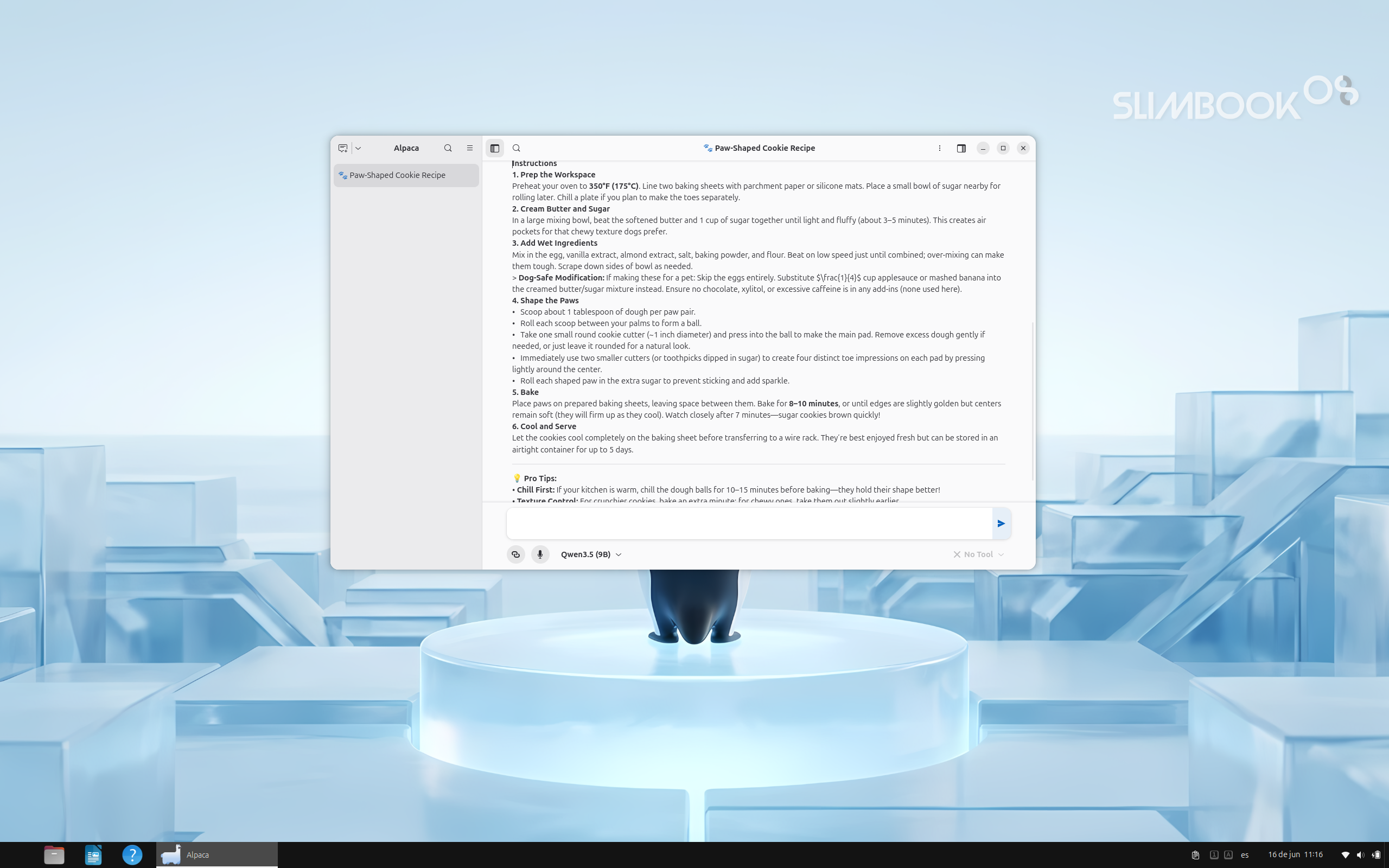
Slimbook OS 26 is one of the first GNU/Linux distributions designed for end users to include pre-installed local AI that is optional and privacy-focused.
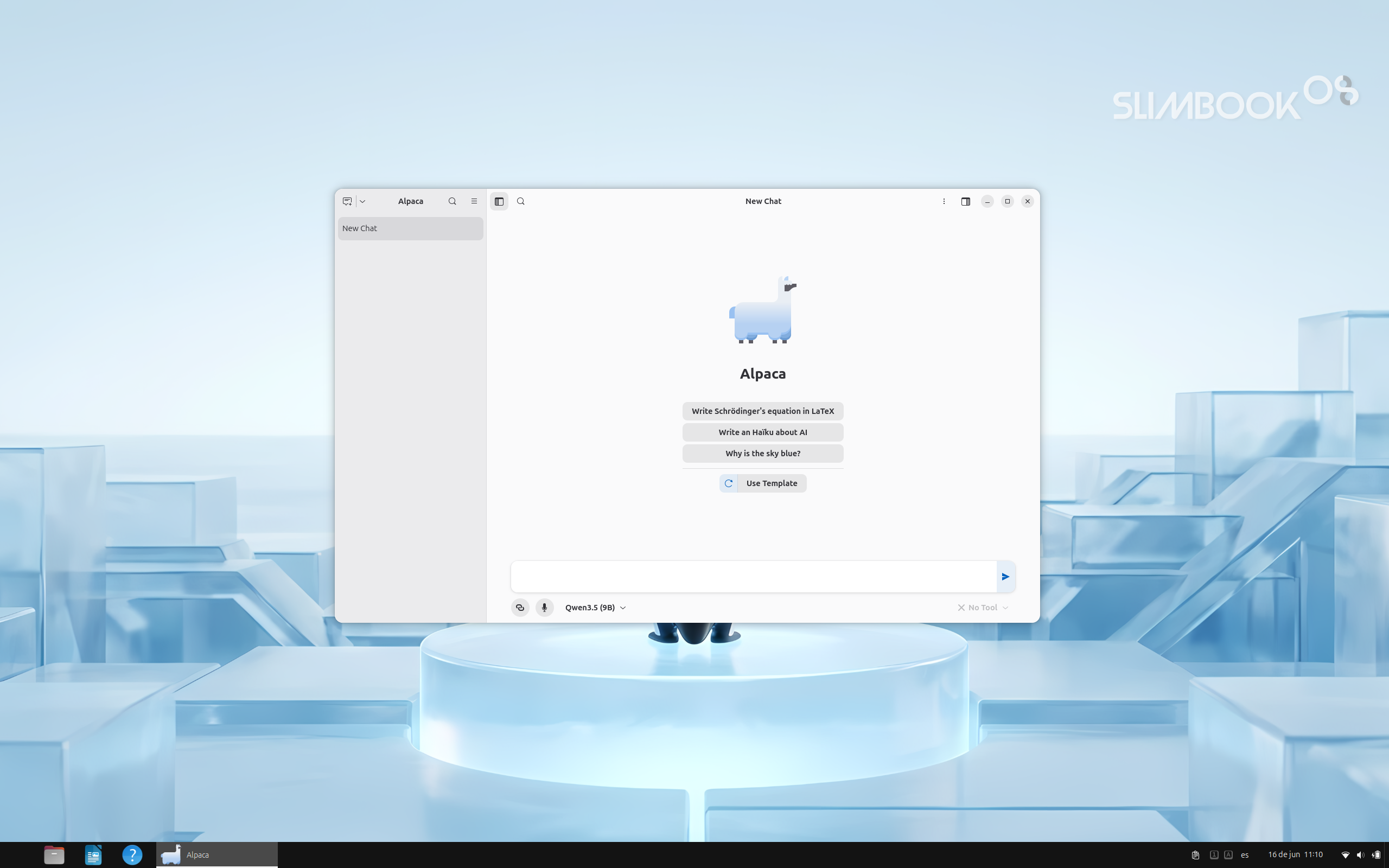
AI is integrated through Alpaca, an AI chat client that allows users to take advantage of artificial intelligence without relying on external cloud services. The philosophy is simple: always local, always secure, always private.
It is also completely optional. Alpaca can be used on systems with or without an NPU, and with or without a dedicated GPU, adapting to the capabilities of each computer. On compatible Slimbook laptops, the dedicated AI key can launch Alpaca instantly for quick access.
GNOME 50 as the foundation for a cleaner experience
Slimbook OS 26 currently ships with GNOME 50. We chose GNOME for this first release because it provides a modern, stable, and well-integrated desktop environment on top of Ubuntu 26.04 LTS.KDE remains part of our roadmap. However, the current Kubuntu base is built on a Plasma version that is older than what we want to deliver with Slimbook OS. Rather than shipping an outdated experience, we prefer to wait and prepare a more up-to-date, polished integration, which we plan to release in the coming months.
Software that is ready to use
Slimbook OS 26 includes a carefully tuned software store that prioritizes DEB and Flatpak packages, leaving Snap as the last option. This provides a flexible, compatible experience that aligns with the preferences of many GNU/Linux users.
The included applications and desktop extensions are selected to cover everyday needs from the first boot without making the system unnecessarily heavy or forcing users to configure everything manually.
Slimbook tools and productivity improvements
Slimbook OS 26 integrates proprietary tools and interface enhancements with a single goal: making the system more comfortable, more customizable, and more productive without requiring additional manual setup.
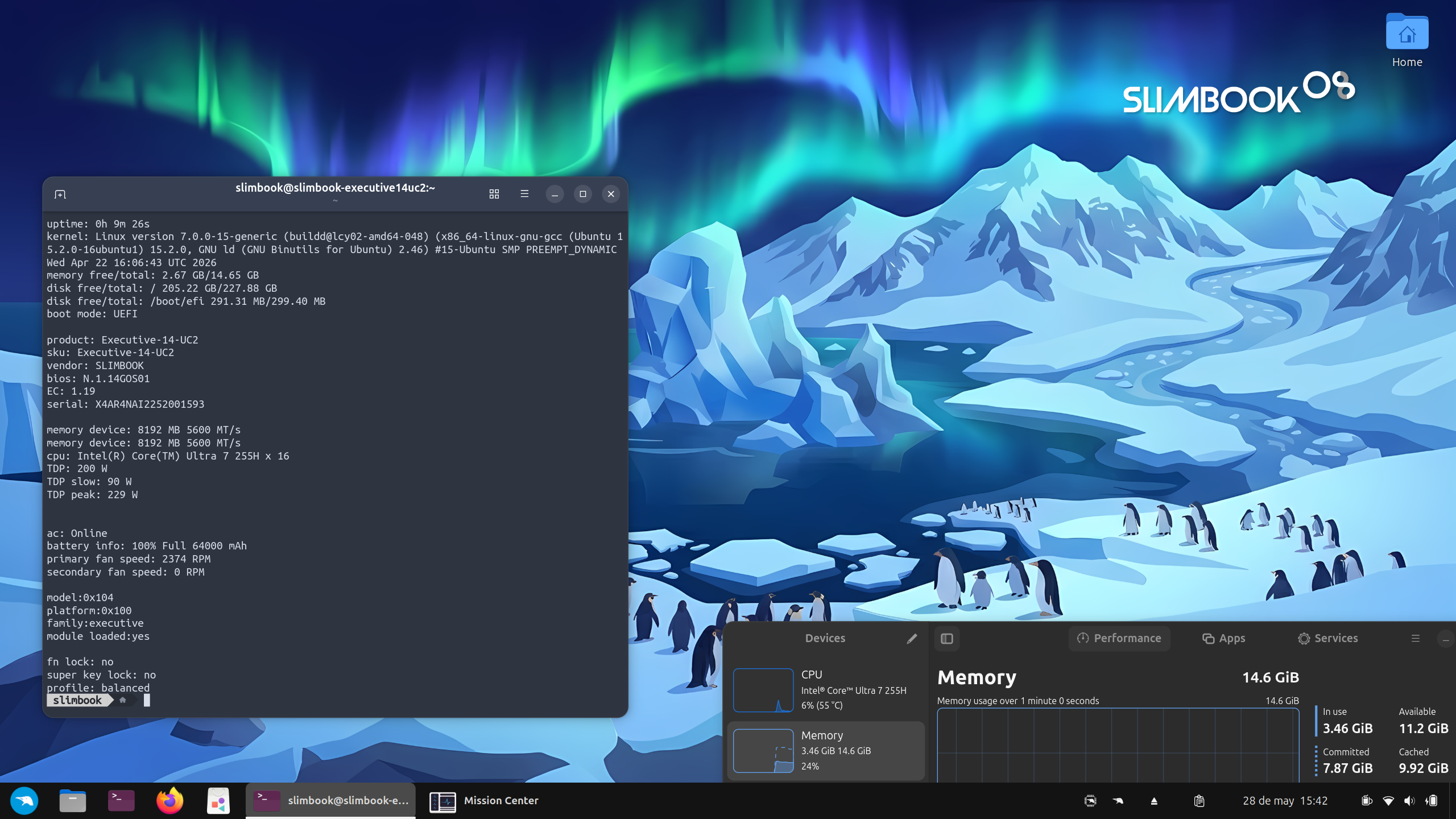
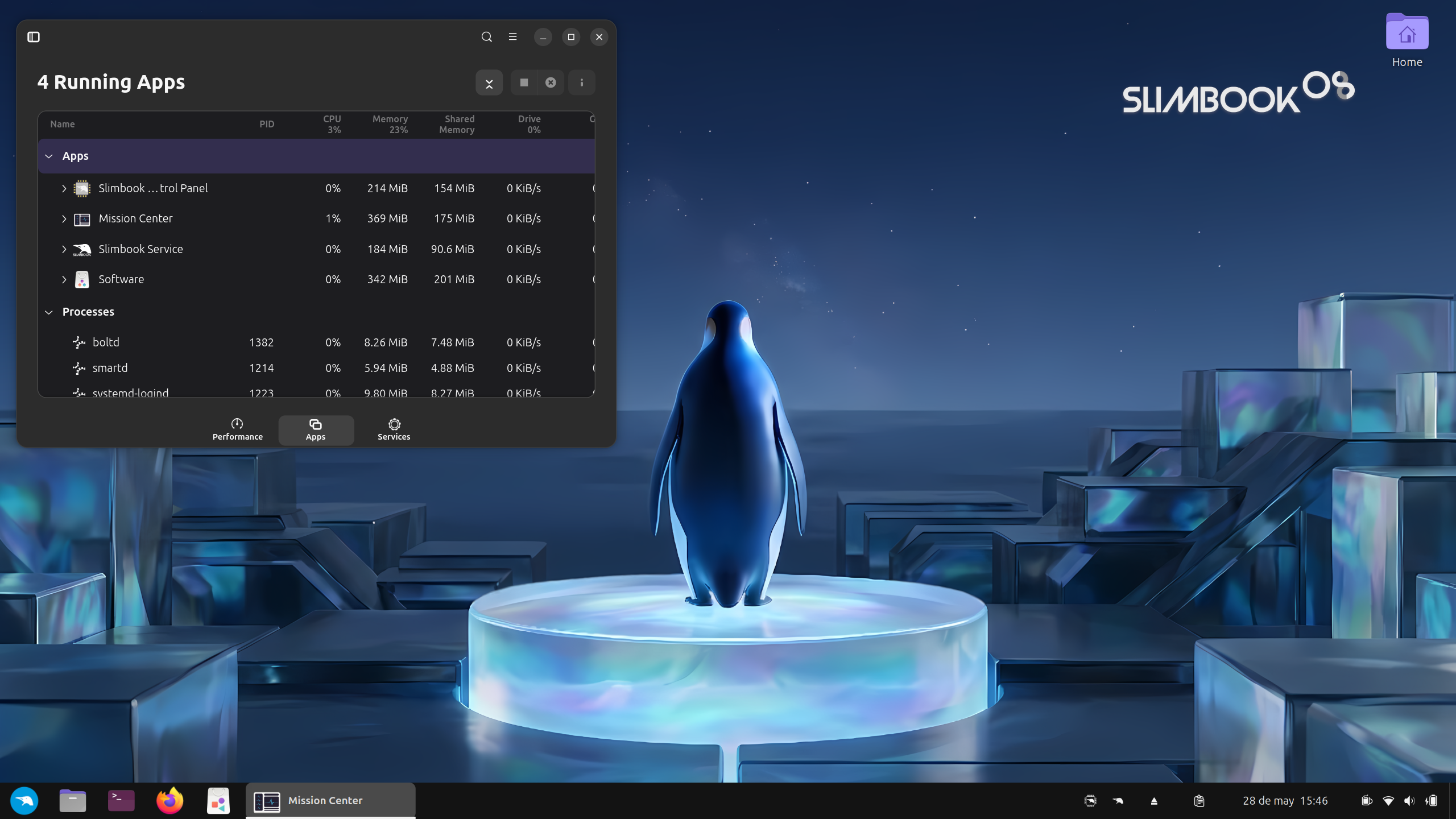
Slimbook Control Panel: Monitor your system and customize hardware sensors for greater control over your computer.
Slimbook Service: Receive device notifications, generate system reports, and enable additional features.
Alpaca: Integrated local AI client for running AI models privately and optionally on your own hardware.
Touchpad gestures: Enabled by default for smoother desktop navigation, workspace switching, and multitasking.
Window tiling: Easily organize multiple applications on screen and make better use of your workspace.
Caps Lock indicator: On-screen notifications when Caps Lock is enabled or disabled, helping prevent typing mistakes and password errors.
Light and Dark modes: Switch between light and dark themes to match your environment, time of day, or personal preference.
Integrated GNOME extensions: Carefully selected enhancements that improve desktop navigation, interaction, and the overall user experience.
These are not features added simply to make a longer list. They are practical improvements that become noticeable in everyday use—when connecting your laptop, switching tasks, organizing windows, typing, working for long hours, or preparing your system for daily productivity.
Demo video
You can watch the official Slimbook OS 26 demonstration in the video below.
Discover and download Slimbook OS 26
Slimbook OS 26 is available starting today. Visit the official page to learn more and download the latest version.