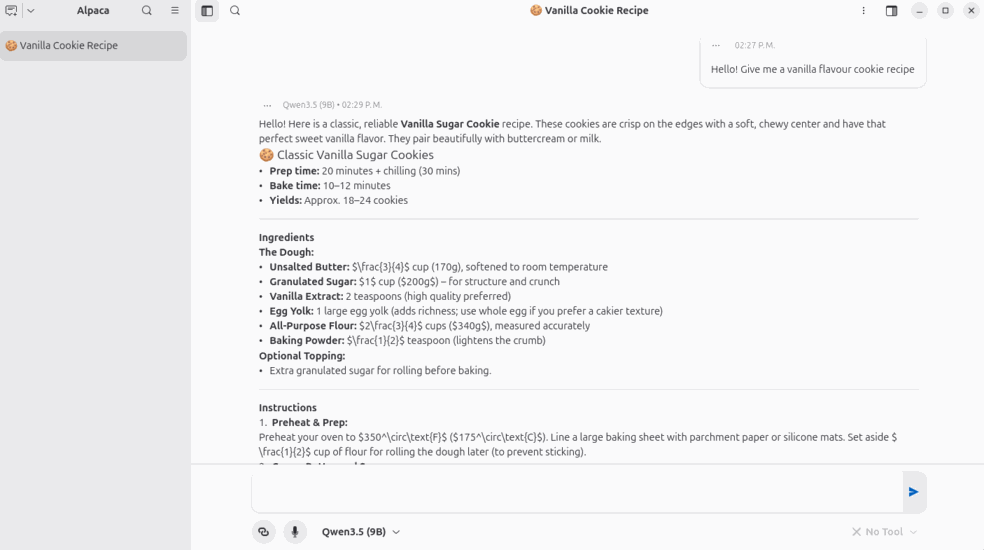
Alpaca is a great open-source application, an interface developed by Jeffry Samuel to chat with LLMs through several providers, from local with its Ollama integration or OpenAI compatible instances to online providers.
In this tutorial, we will do an introduction to Alpaca and we will show the first steps.
Alpaca
Alpaca, besides letting you talk with LLMs through its interface, it has some features:
Chat Manager
Usage of other LLMs within the same conversation
Import and Export of chats
To this, Alpaca also has some helpful tools built-in:
Web access for the LLM with its integrated browser
YouTube integration for video transcription
Code or commands execution from its interface
Installation and configuration
Alpaca is installed with Flatpak:
| flatpak install flathub com.jeffser.Alpaca |
During installation, the Ollama engine will also be installed to handle local models.
After installing it, you can configure it depending on your provider:
In the instance manager, you can choose which provider you want to use.
Local
Alpaca is designed to be used with Ollama, however you are able to choose any provider that you want if its OpenAI API compatible.
Alpaca lets you choose between a managed local instance within the application or lets you connect to an external Ollama instance.
In the hamburger menu, you can access several of its settings such as the instance manager or the model manager
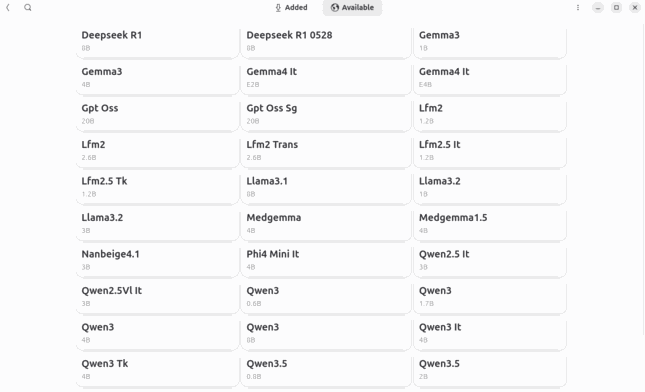
If the local managed instance is chosen, you are able to download the models from the interface
Online
Alpaca also lets you connect to some online providers by default, although you are able to connect to any provider that is compatible with the OpenAI API specification.
After selecting the instance and the model that you want, you will be able to use Alpaca to chat with the model
.